How can I help you?
Grouping Customization in Angular Grid component
10 Mar 20261 minute to read
The appearance of grouping elements in the Syncfusion® Angular Grid component can be customized using CSS. Here are examples for customizing the group header, group expand/collapse icons, group caption row, and grouping indent cell.
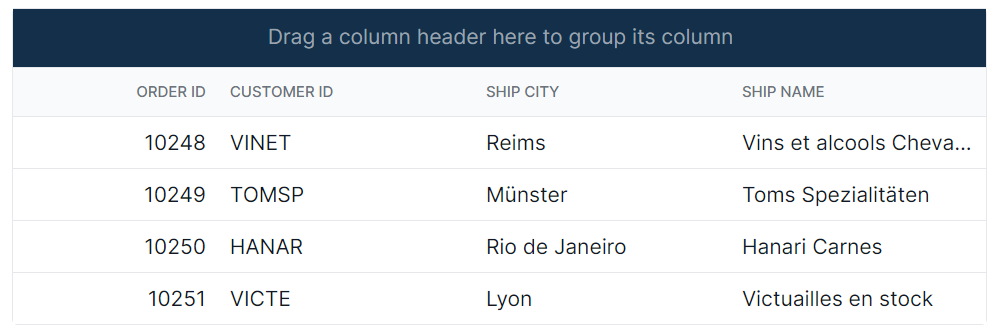
Customize the group drop area header
The .e-groupdroparea class is used to style the group header element.
.e-grid .e-groupdroparea {
    background-color: #132f49;
}
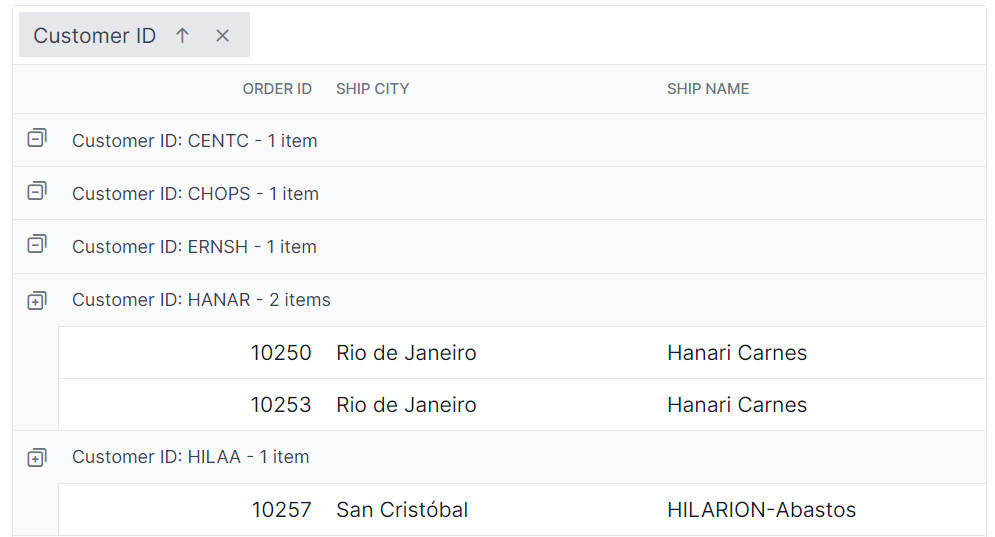
Customize the group expand and collapse icons
The .e-icon-gdownarrow and .e-icon-grightarrow classes are used to style the expand and collapse icons.
.e-grid .e-icon-gdownarrow::before{
    content:'\e7c9'
    }
    .e-grid .e-icon-grightarrow::before{
    content:'\e80f'
}
In this example, the content property is modified to change the icon displayed. Available Syncfusion® icons can be used based on the active theme.
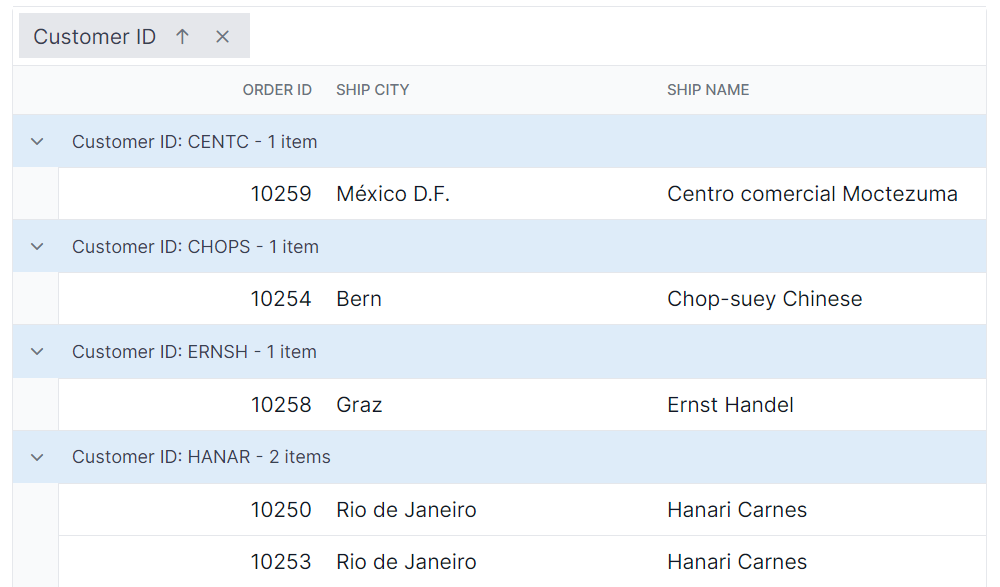
Customize the group caption row
The .e-groupcaption class is used to style the group caption row element, and the .e-recordplusexpand and .e-recordpluscollapse classes are used for the icons indicating record expansion or collapse.
.e-grid .e-groupcaption {
    background-color: #deecf9;
}

.e-grid .e-recordplusexpand,
.e-grid .e-recordpluscollapse {
    background-color: #deecf9;
}
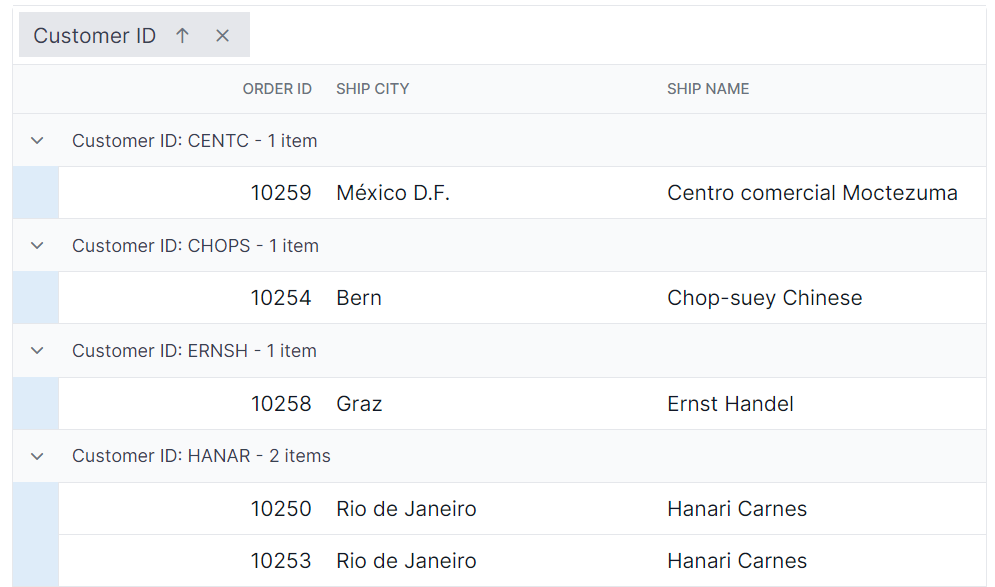
Customize the grouping indent cell
The .e-indentcell class is used to style the indent cell that appears in grouped grid rows.
.e-grid .e-indentcell {
    background-color: #deecf9;
}