LayoutsRight ChevronRating
Rating - Image

Rating

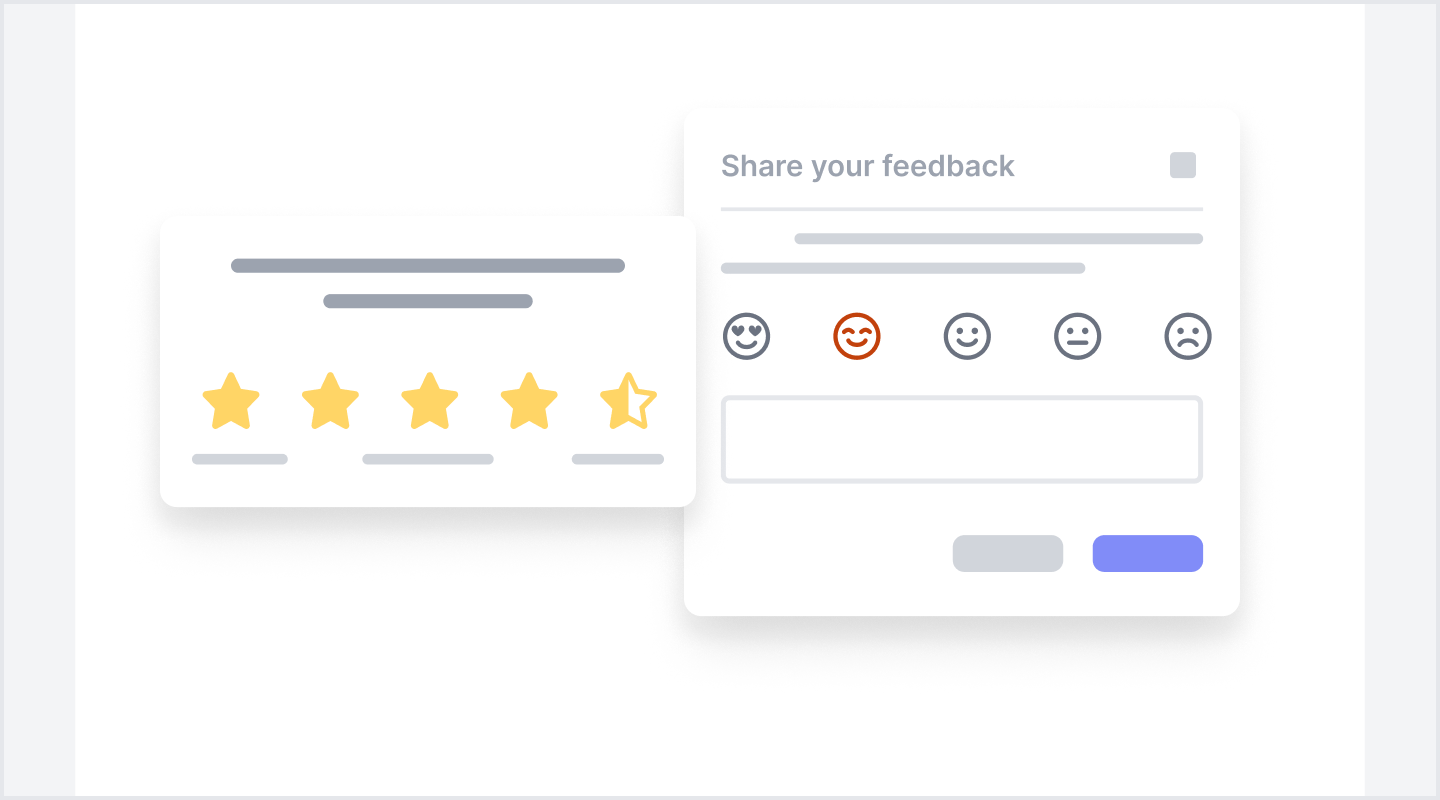
The Rating interface is a modular and reusable UI component. It is designed for clarity, intuitive interaction, and consistent behavior across devices. These blocks enhance user experience by making rating input simple, responsive, and visually engaging. They seamlessly integrate with other UI elements to maintain a cohesive design. The interface supports different layout types.
Default User RatingFigma LogoGet FigmaGo to Figma
In this demo, the Rating UI block showcases an average score with star ratings and the total number of ratings, providing a quick overview of customer feedback.
Figma LogoGet FigmaGo to Figma
Desktop View
Tablet View
Mobile View
Toggle between Light and Dark Mode
Loading Indicator
Rating Overview with BrandingFigma LogoGet FigmaGo to Figma
In this demo, the Rating UI block provides a snapshot of customer feedback, featuring an average rating, total number of ratings, and a brand logo for clear identification.
Figma LogoGet FigmaGo to Figma
Desktop View
Tablet View
Mobile View
Toggle between Light and Dark Mode
Loading Indicator
Rating Overview with BrandFigma LogoGet FigmaGo to Figma
In this demo, the Rating UI displays user feedback with a profile section, star rating, review section, and action buttons for better user interaction. It includes key recommendations.
Figma LogoGet FigmaGo to Figma
Desktop View
Tablet View
Mobile View
Toggle between Light and Dark Mode
Loading Indicator
User Rating with Social SharingFigma LogoGet FigmaGo to Figma
In this demo, users can rate their experience with a simple star rating system. Social sharing options allow users to share their feedback on different platforms, enhancing engagement and visibility.
Figma LogoGet FigmaGo to Figma
Desktop View
Tablet View
Mobile View
Toggle between Light and Dark Mode
Loading Indicator
User Feedback and Rating SubmissionFigma LogoGet FigmaGo to Figma
In this demo, users can rate their experience using a simple selection system with numbered rating options from 1 to 5. A dedicated button allows for easy submission, ensuring that feedback is collected efficiently.
Figma LogoGet FigmaGo to Figma
Desktop View
Tablet View
Mobile View
Toggle between Light and Dark Mode
Loading Indicator
Emoji-Based Experience RatingFigma LogoGet FigmaGo to Figma
In this demo, users can rate their experience using an emoji-based rating system. The interface presents three expressive icons for quick and intuitive feedback submission. This visual approach enhances engagement and simplifies the feedback process.
Figma LogoGet FigmaGo to Figma
Desktop View
Tablet View
Mobile View
Toggle between Light and Dark Mode
Loading Indicator
Quick Feedback System with Thumb Action ButtonsFigma LogoGet FigmaGo to Figma
In this demo, users can express their satisfaction through a thumbs-up or thumbs-down rating using labeled buttons. This simple interaction enables quick feedback collection.
Figma LogoGet FigmaGo to Figma
Desktop View
Tablet View
Mobile View
Toggle between Light and Dark Mode
Loading Indicator
User Rating Card with Profile and StarsFigma LogoGet FigmaGo to Figma
In this demo, a user rating card displays a profile picture, username, user handle, and a star-based rating system with a numerical score. It also includes a verification badge and a bookmark icon for saving the review.
Figma LogoGet FigmaGo to Figma
Desktop View
Tablet View
Mobile View
Toggle between Light and Dark Mode
Loading Indicator
Customer Reviews SummaryFigma LogoGet FigmaGo to Figma
In this demo, the rating UI block presents an overview of customer feedback, including the average rating, total number of reviews, and a visual breakdown of ratings across different star levels.
Figma LogoGet FigmaGo to Figma
Desktop View
Tablet View
Mobile View
Toggle between Light and Dark Mode
Loading Indicator
Detailed Customer Reviews and RatingsFigma LogoGet FigmaGo to Figma
In this demo, the Rating UI block showcases detailed customer feedback with individual category ratings and written reviews. This provides a look at user satisfaction and platform performance.
Figma LogoGet FigmaGo to Figma
Desktop View
Tablet View
Mobile View
Toggle between Light and Dark Mode
Loading Indicator
Rating Summary with Category Breakdown ShortenFigma LogoGet FigmaGo to Figma
In this demo, the rating summary UI displays an overall score alongside individual category ratings, allowing users to assess key aspects at a glance. A call-to-action enables users to explore more detailed ratings for deeper insights.
Figma LogoGet FigmaGo to Figma
Desktop View
Tablet View
Mobile View
Toggle between Light and Dark Mode
Loading Indicator
Rating Summary with Category BreakdownFigma LogoGet FigmaGo to Figma
In this demo, the rating summary UI displays an overall score alongside individual category ratings, allowing users to assess key aspects at a glance. A call-to-action enables users to explore more detailed ratings for deeper insights.
Figma LogoGet FigmaGo to Figma
Desktop View
Tablet View
Mobile View
Toggle between Light and Dark Mode
Loading Indicator
User Rating with Labeled Feedback OptionsFigma LogoGet FigmaGo to Figma
In this demo, users can rate their experience using a simple selection system with labeled feedback options. The labeled star ratings elicit clear feedback, allowing responses to be collected efficiently.
Figma LogoGet FigmaGo to Figma
Desktop View
Tablet View
Mobile View
Toggle between Light and Dark Mode
Loading Indicator
Product Rating and Review SubmissionFigma LogoGet FigmaGo to Figma
In this demo, users can provide a rating for a product using a labeled, star-based system. A button allows users to submit their reviews, while an interactive link enables them to explore existing reviews, offering insights from other users to aid in their decision-making.
Figma LogoGet FigmaGo to Figma
Desktop View
Tablet View
Mobile View
Toggle between Light and Dark Mode
Loading Indicator
Customer Satisfaction Rating with Emoji and Review SubmissionFigma LogoGet FigmaGo to Figma
In this demo, users can rate their satisfaction using an emoji-based feedback system with labeled categories. A text input field allows users to provide additional feedback. An action button ensures easy submission, streamlining the feedback collection process.
Figma LogoGet FigmaGo to Figma
Desktop View
Tablet View
Mobile View
Toggle between Light and Dark Mode
Loading Indicator
User Feedback Modal with Interactive RatingsFigma LogoGet FigmaGo to Figma
In this demo, users can rate their experience using emoji-based feedback modal and provide additional comments. The interactive UI allows for a quick and engaging review process, helping enhance the user.
Figma LogoGet FigmaGo to Figma
Desktop View
Tablet View
Mobile View
Toggle between Light and Dark Mode
Loading Indicator
User Rating Modal with Input FieldFigma LogoGet FigmaGo to Figma
In this demo, the modal interface allows users to share their feedback by selecting a star rating, specifying a feature, and adding optional comments. The inclusion of a checkbox offers privacy, while intuitive action buttons streamline the submission process.
Figma LogoGet FigmaGo to Figma
Desktop View
Tablet View
Mobile View
Toggle between Light and Dark Mode
Loading Indicator