How can I help you?
Installing Syncfusion® React (JavaScript - EJ2) Linux Installer
2 Feb 20261 minute to read
Step-by-Step Installation
Follow the steps below to install the JavaScript Linux installer:
-
Extract the downloaded Syncfusion® JavaScript Linux installer (
.zip) file to your desired directory.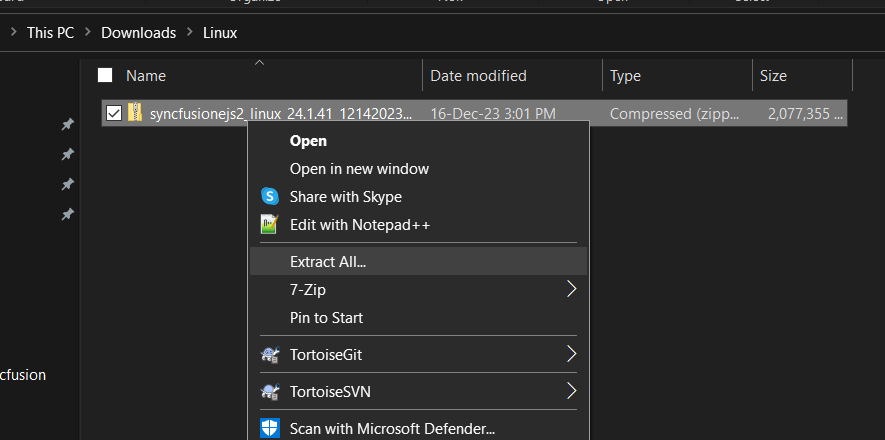
-
Once extracted, the directory will typically contain the following folders:
- Samples: Contains the local demos and source code for the components.
- Packages (or similar): May contain local package feeds, if applicable.

An unlock key is not required to install or extract the Linux installer.
-
Launch the demo sources or use the included packages locally in a development environment.
License Key Registration in Samples
A license key is required to register and run the demo sources included with the Linux installer. For instructions on registering the license key, refer to the following topics: