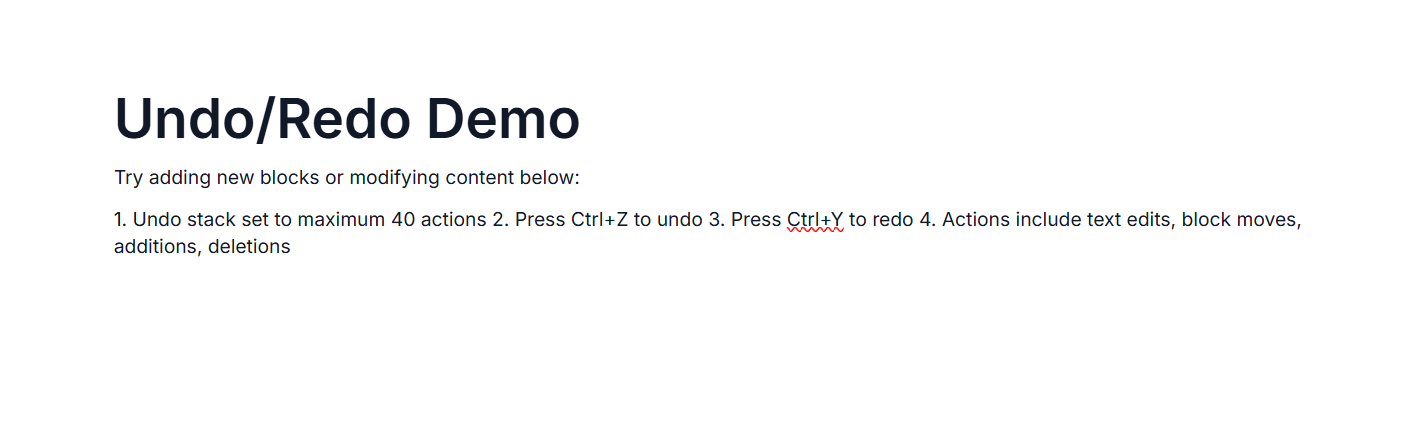
Undo redo in ASP.NET MVC Block Editor control
25 Mar 20266 minutes to read
The undo/redo feature in Block Editor enables users to revert or reapply changes made to the content, offering a safety net for edits and enhancing the overall editing experience.
Keyboard shortcuts
| Action | Windows | Mac | Description |
|---|---|---|---|
| Undo | Ctrl + Z | ⌘ + Z | Reverts the last action. |
| Redo | Ctrl + Y | ⌘ + Y | Reapplies the last undone action. |
Configuring Undo/Redo stack
Block Editor allows up to 30 Undo/Redo actions by default. You can modify the number of undo/redo steps using the UndoRedoStack property.
@using Syncfusion.EJ2.BlockEditor

<div id='blockeditor-container'>
    @Html.EJS().BlockEditor("block-editor").Blocks((List<BlockModel>)ViewBag["BlocksData"]).UndoRedoStack(20).Render()
</div>

<style>
    #blockeditor-container {
       margin: 20px auto;
    }
</style>
using Syncfusion.EJ2.BlockEditor;
public List<BlockModel> BlocksData { get; set; } = new List<BlockModel>();
public class BlockModel
{
public string id { get; set; }
public string blockType { get; set; }
public object properties { get; set; }
public List<object> content { get; set; }
}
public ActionResult UndoRedo()
{
BlocksData.Add(new BlockModel() {
id = "block-1",
blockType = "Heading",
properties = new { level = 1},
content = new List<object>()
{
new{
contentType = "Text",
content = "Undo/Redo Demo"
}
}
});
BlocksData.Add(new BlockModel() {
id = "block-2",
blockType = "Paragraph",
content = new List<object>()
{
new {
contentType = "Text",
content = "Try adding new blocks or modifying content below:"
}
}
});
BlocksData.Add(new BlockModel()
{
id = "block-3",
blockType = "Paragraph",
content = new List<object>()
{
new {
contentType = "Text",
content = "1. Undo stack set to maximum 40 actions\n2. Press Ctrl+Z to undo\n3. Press Ctrl+Y to redo\n4. Actions include text edits, block moves, additions, deletions"
}
}
});
ViewBag.BlocksData = BlocksData;
return View();
}